
Description
- Is Itself Accessories: Yes
- High-concerned chemical: none
- Weight: 0.2
- Built-in Screen: no
- NightShot Function: Yes
- Touch Screen: no
- Camera Resolution: 1280×720
- Is Batteries Included: no
- Max External Memory: None
- Number Of Lenses: 1
- Battery: None
- Assembly Mode: Portable Recorder
- Chipset Manufacturer: Generalplus
- Frames Per Second: 25
- Brand Name: NAVIFANS
- Origin: Mainland China
- Item Type: Car DVR
- Certification: CE
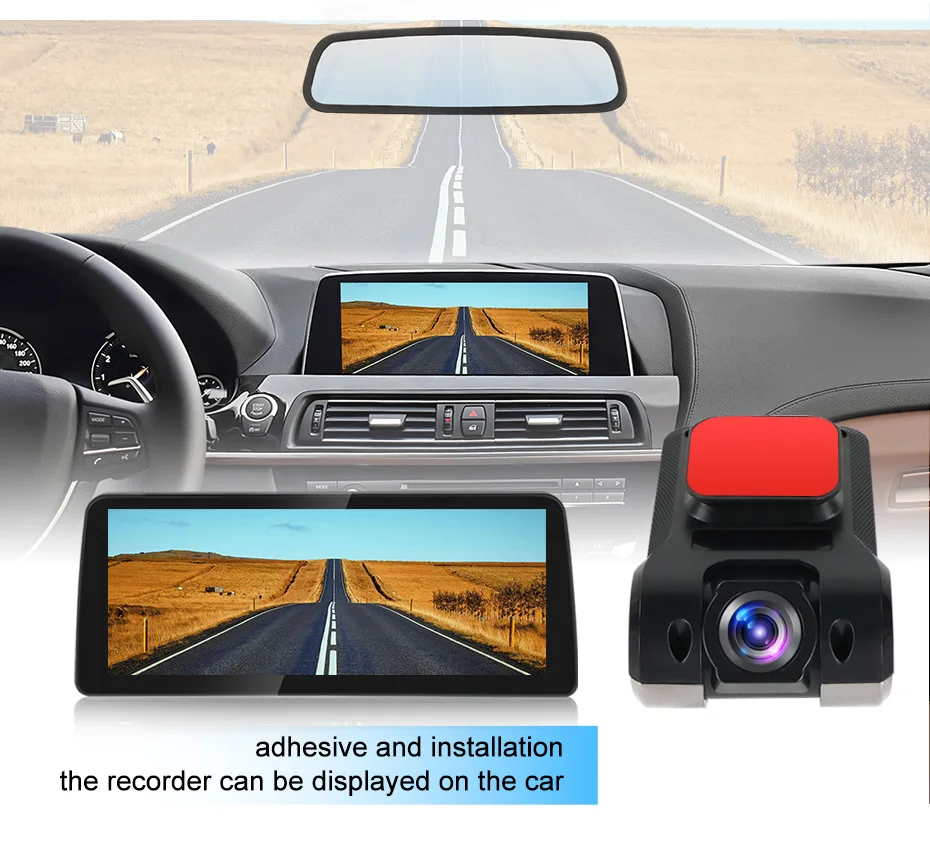
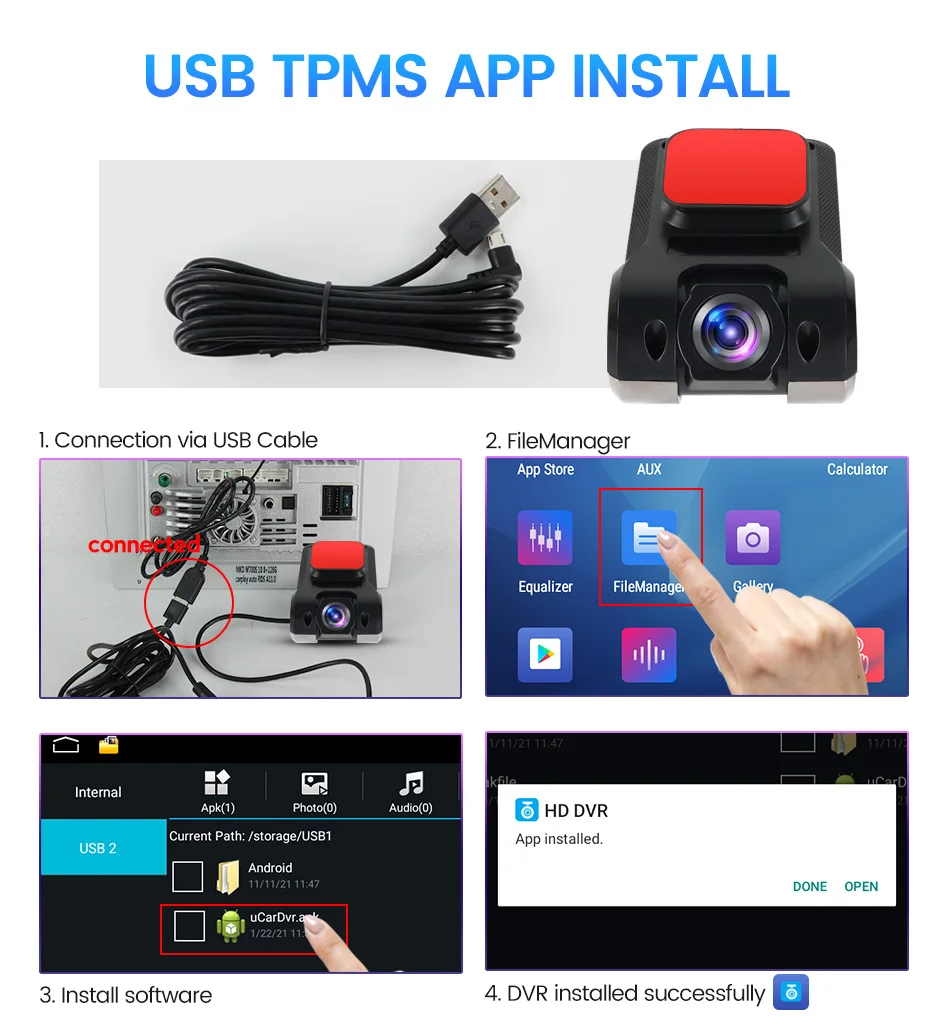
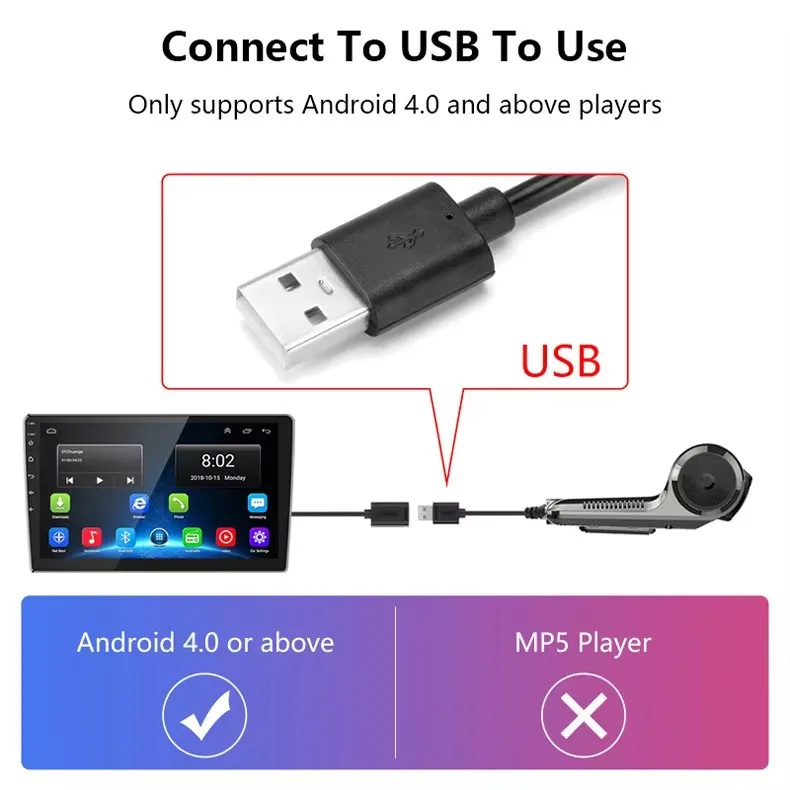
1.This machine is perfect suitable for Our store Android car radio. And it is suitable for installation on most Android 4 or or higher car radios.MP5 and carplay screen is unsuitable,please don't buy! If you are not sure if your Android radio can be used,You can download the app install test.
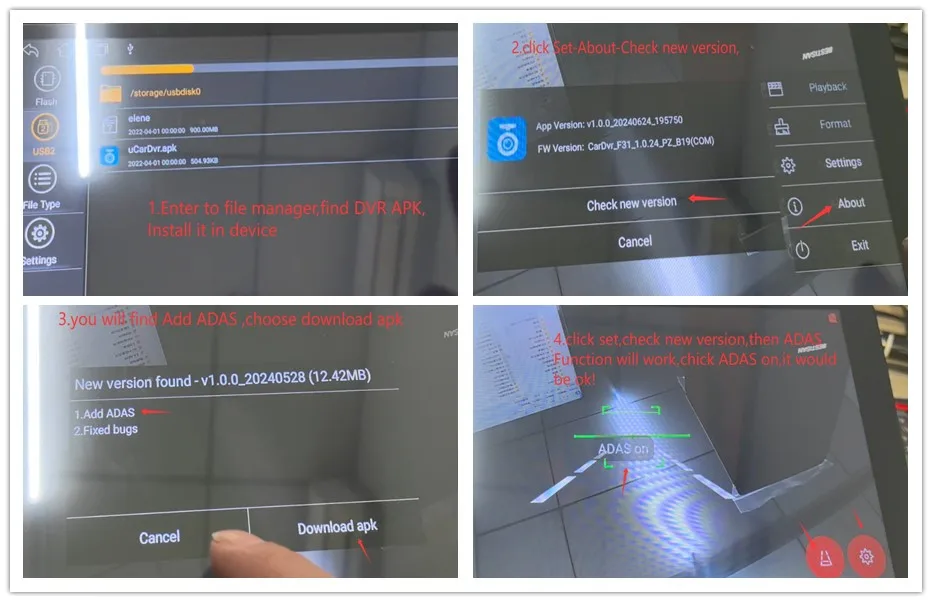
2.After the first installation of DVR, you need to connect to the network for application upgrade to experience all functions ADAS Function.
Step 1: Plug in the USB DVR, enter device file management, find the DVR APK, and click install!
Step 2: After installing the APK, connect the Android device to the network, enter the APK, find 'set', and click on 'about' to view the new version information
Step 3: Install the new version
Step 4: After installing the new version, enter APK, settings, view the new version, and ADAS function will appear
3.It is recommended to use a high-speed recording card that does not exceed 32GB, as too much memory can cause recording problems
Features:
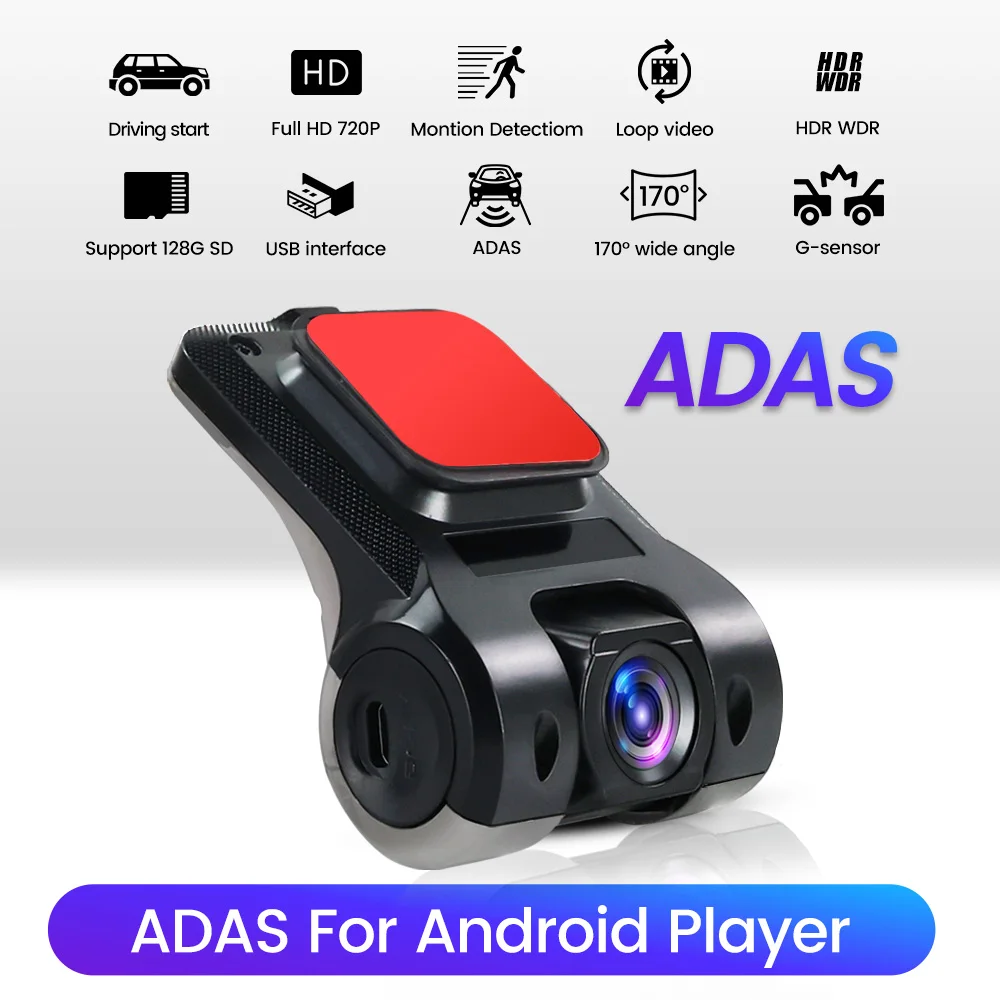
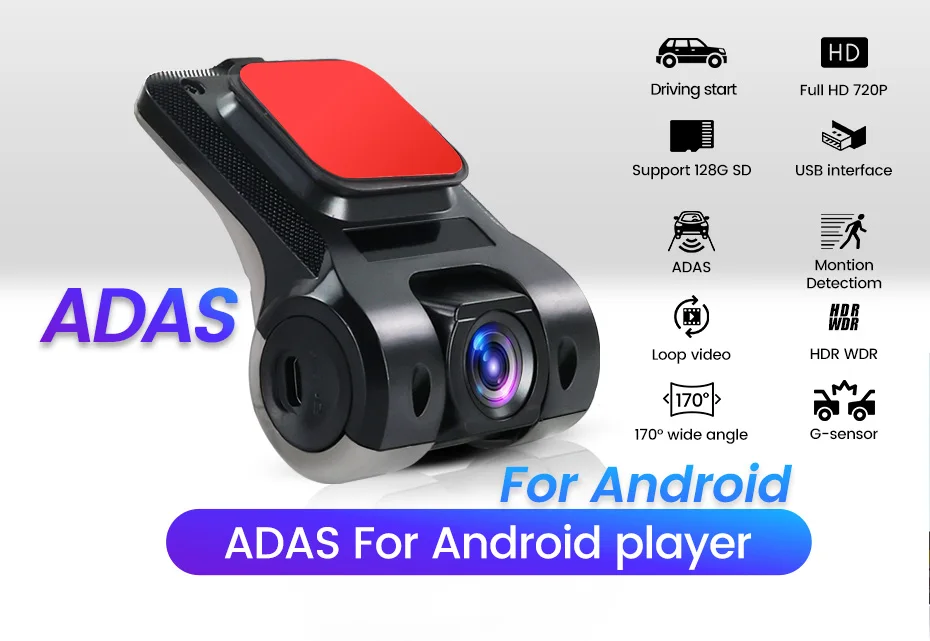
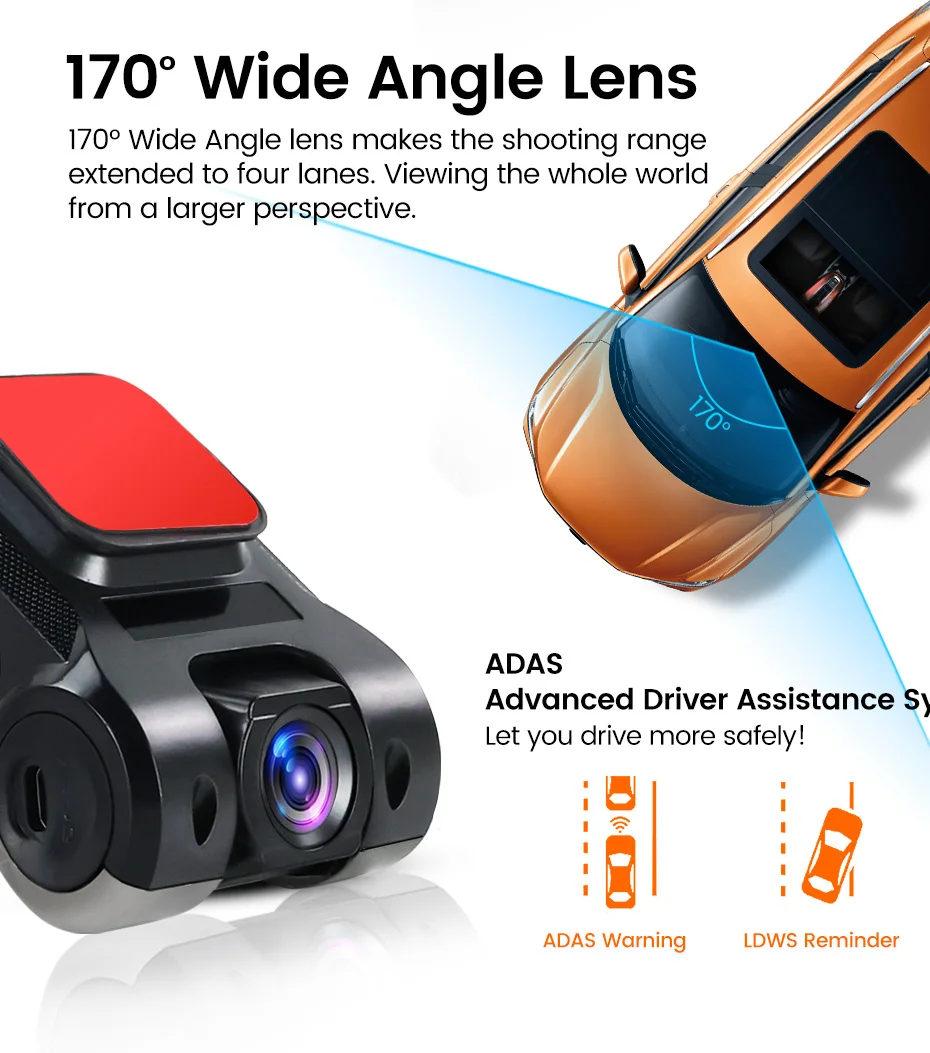
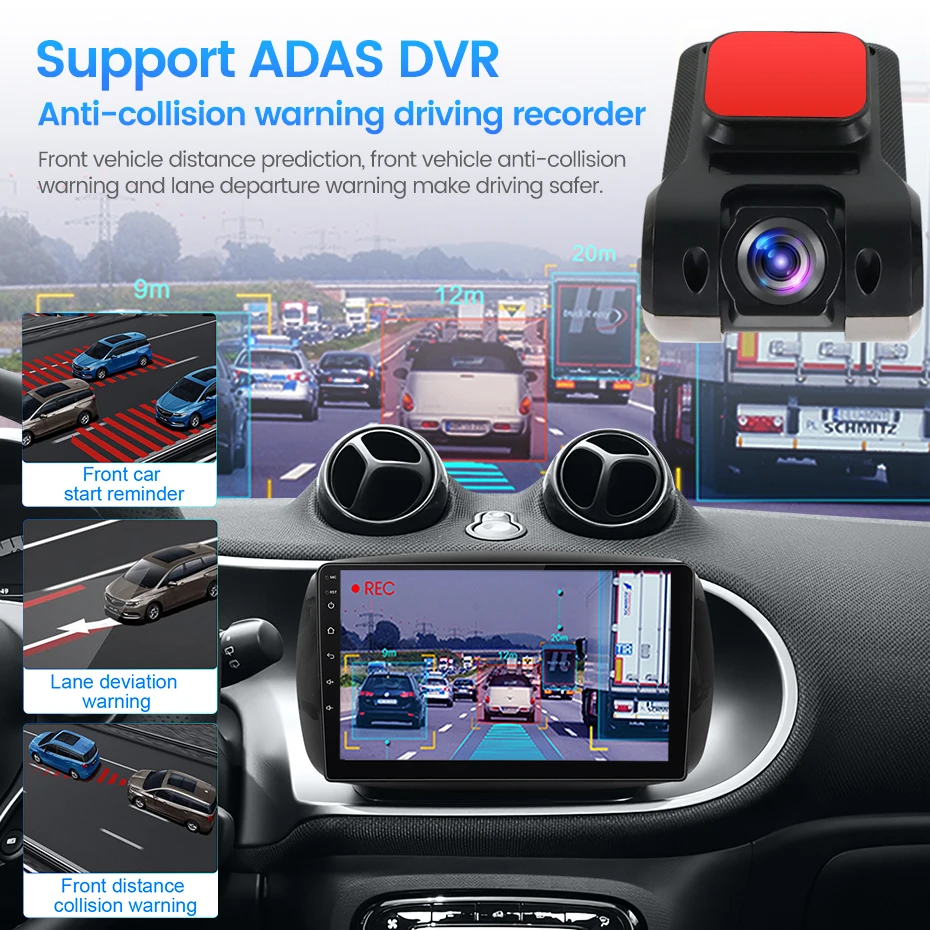
ADAS Function:When the device detects the vehicle in front to close, it will alarm to remind motorists to pay attention to road conditions or abnormal vehicle.
LDWS Function:The device driver unconscious deviate from the original lane when the lane departure alarm is automatically triggered.
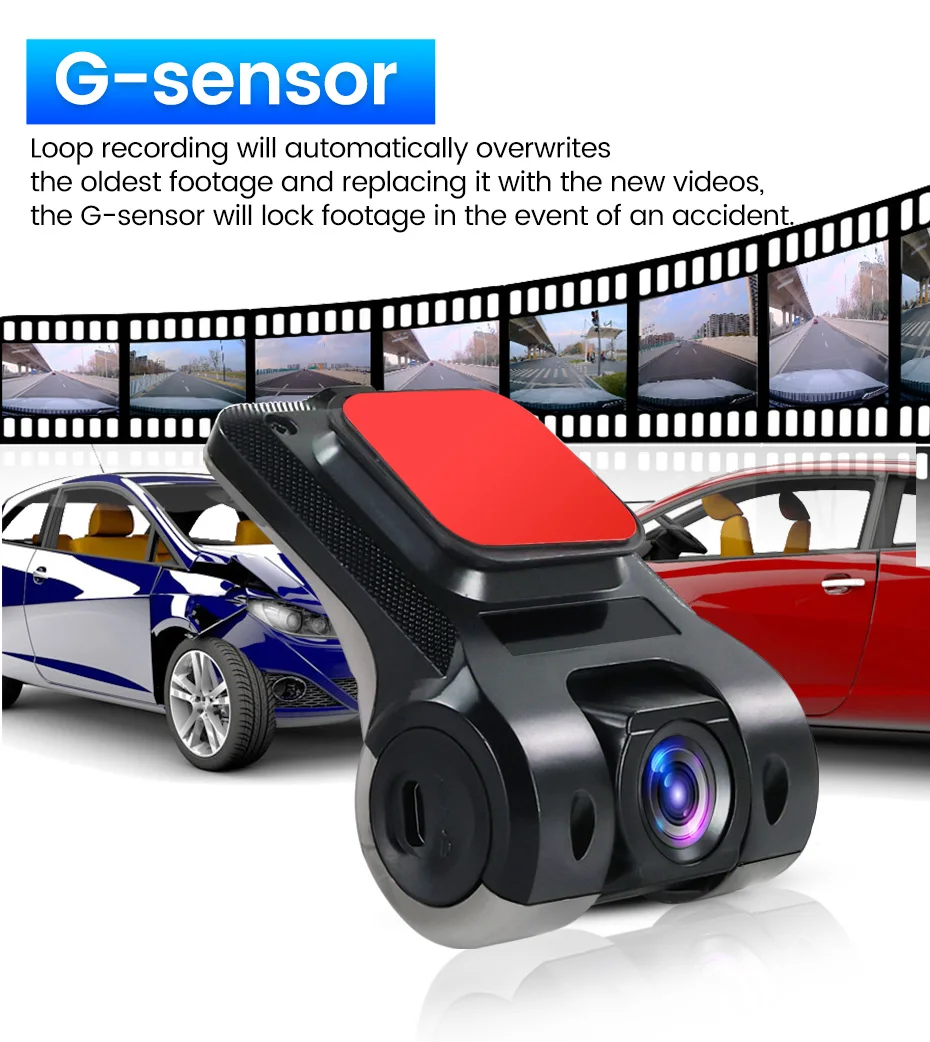
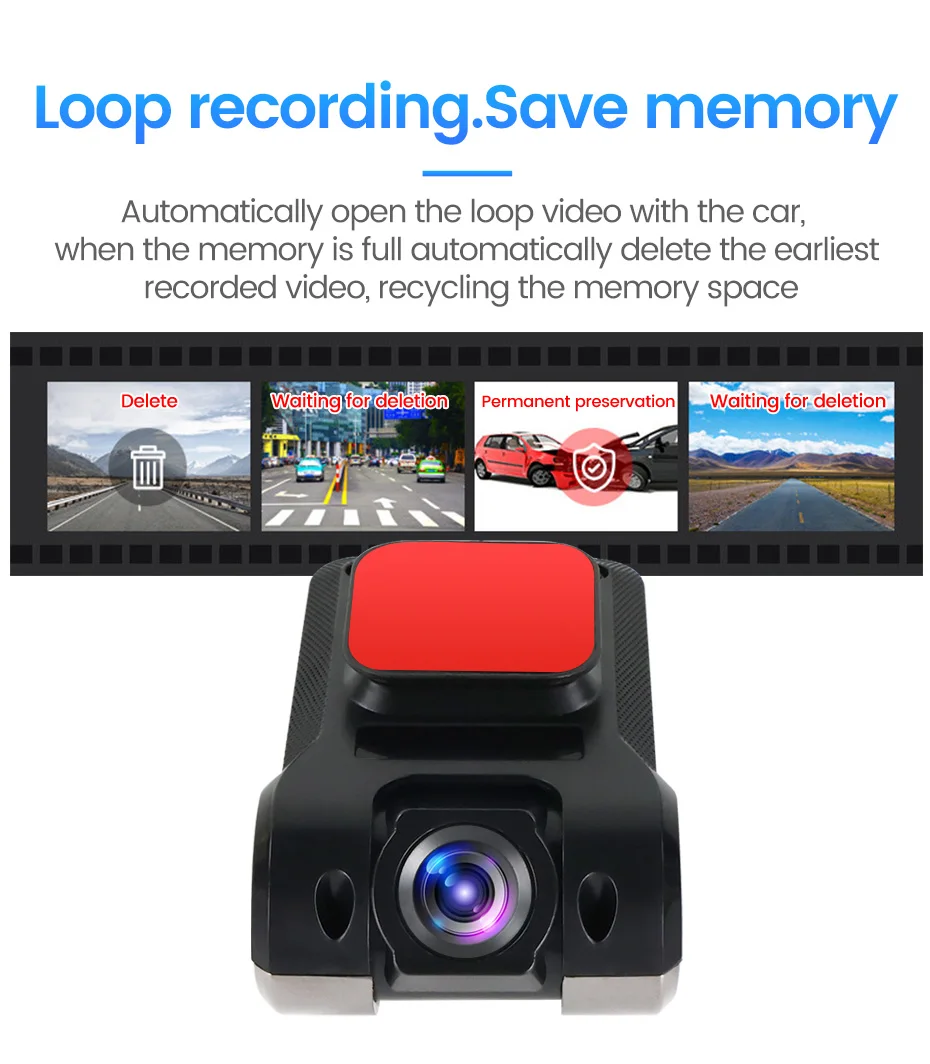
Support motion detection/ loop recording
Embedded APK installation file for car mobile interconnection
System: for Android 4.0 above large screen navigator
ADAS Function:When the device detects the vehicle in front to close, it will alarm to remind motorists to pay attention to road conditions or abnormal vehicle.
LDWS Function:The device driver unconscious deviate from the original lane when the lane departure alarm is automatically triggered.
Support motion detection/ loop recording
Embedded APK installation file for car mobile interconnection
System: for Android 4.0 above large screen navigator
FAQ:
F. The android device cannot recognize the DVR recorder
Q. Try replacing the rear USB port and check if the wiring is properly plugged in
F. DVR Cannot install?
Q. Please ensure that the car device is an Android 4 or higher machine, as MP5 does not support installing this DVR
F. Unable to read and write
Q. TF card speed is too low. It is recommended to use Class10/U3 high-speed memory card and 32-64G high-speed memory card. Large capacity memory cards are prone to read and write lag
F. DVR not turned off
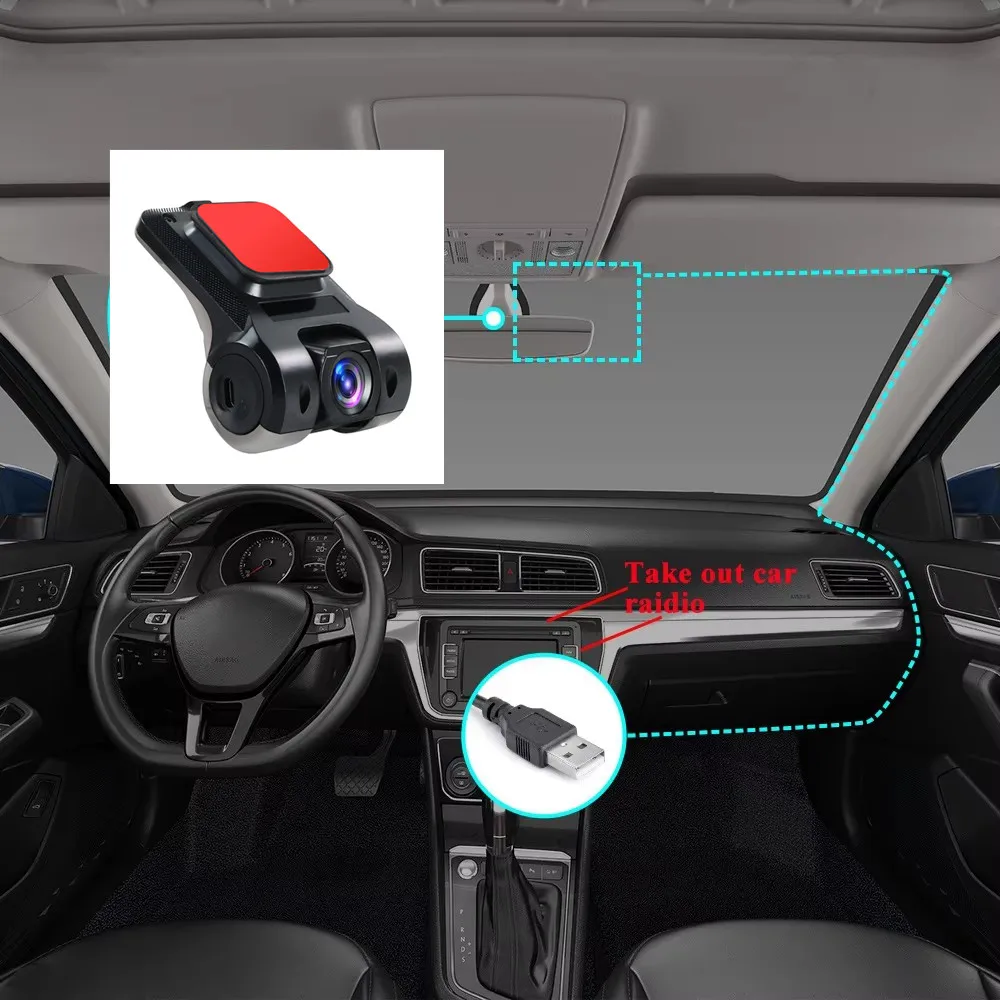
Q. USB-DVR is plugged into the car's normally powered USB port, and even after the host is turned off, the port remains live. It is necessary to locate the DVR USB port to the rear USB port controlled by ACC


Reviews (0)
You must be logged in to post a review.
Related Products
































Reviews
There are no reviews yet.